Before you begin
LG TVs normally run webOS, not Android TV. Android APKs do not work as webOS apps. CVPN webOS is a native Xray client for compatible rooted LG televisions, controlled through a browser on your phone.
What CVPN webOS looks like on your TV
On first launch, the app checks its bundled components and then displays a QR code for pairing with your phone. These are screenshots of the real application interface in a safe demo state, with no live credentials.
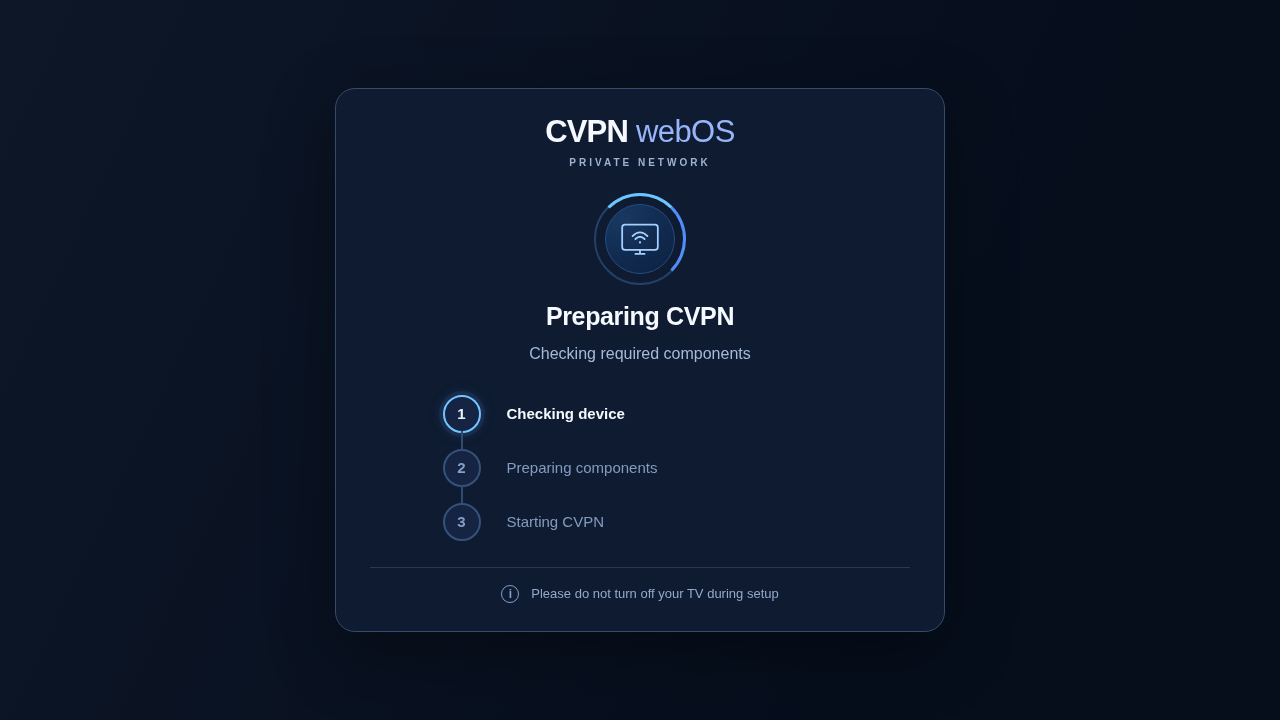
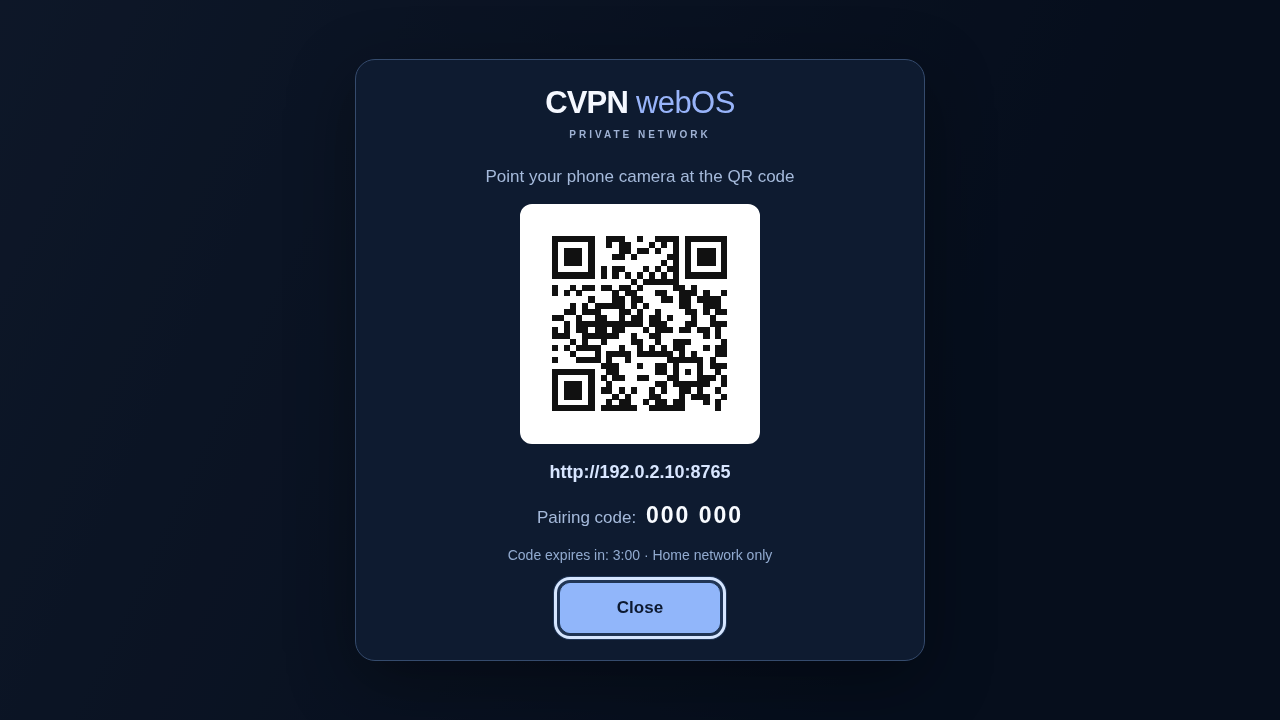
The QR code and network address shown in the example are not live. Use the QR code displayed on your own TV.
Verified devices
| LG model | webOS version | Evidence |
|---|---|---|
| 55UK6450PLC | 4.4.3-22 | Owner tested |
| 65UK6710PLB | 4.4.3-22 | Owner tested |
| 86NANO906NA | 5.6.2 | Owner tested |
| 55UQ76003LD | webOS 22 / 7.6.0-1901 | Owner tested |
Current release: 2.2.6 Stable. The Homebrew webOS 4.4+ filter does not certify every firmware build. Check the full evidence table ↗.
Installation
- Prepare the TV.Verify root, Homebrew root service,
/dev/net/tun, compatible ARMv7 userspace and access from a trusted home LAN. - Download the official IPK.Get
su.cvpn.webos_2.2.6_all.ipkfrom the official release and verify the SHA256 checksum. - Install via Homebrew/IPK tooling.Launch the app and allow bundled component preparation to finish.
- Pair your phone.Scan the QR code on the TV. Enter the short-lived PIN if prompted. Both devices must be on the same trusted network.
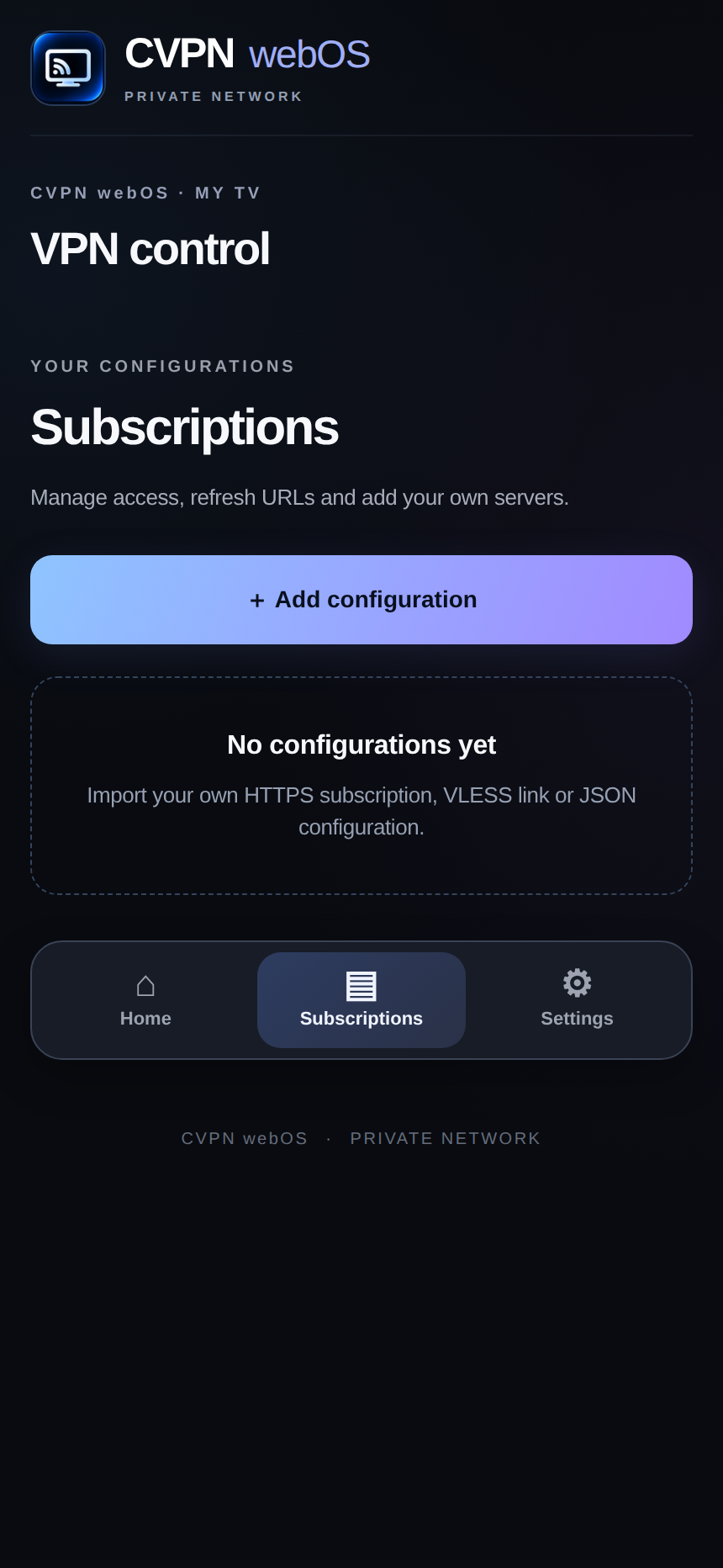
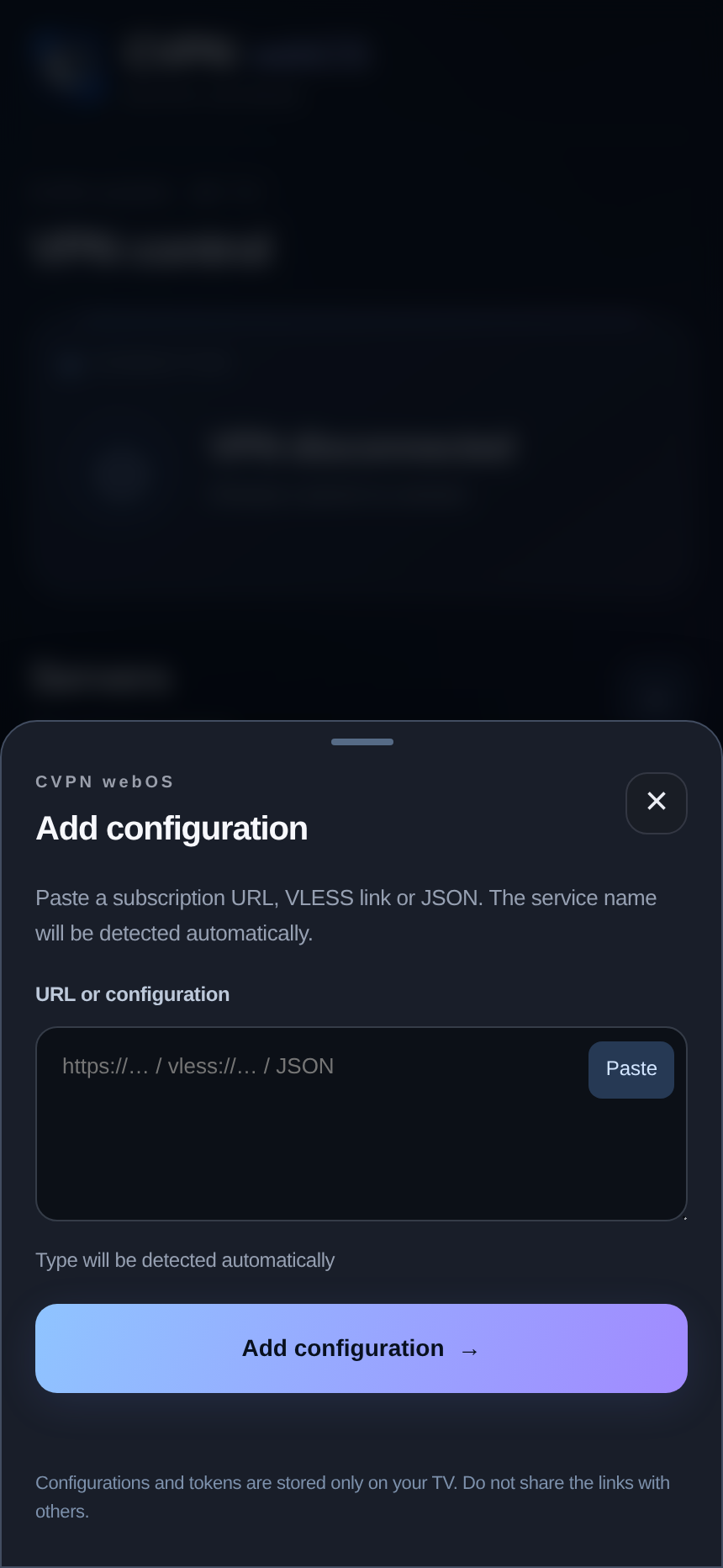
- Add a VPN profile.Open CVPN Connect → Subscriptions → Add configuration on your phone. Import a compatible HTTPS subscription, VLESS link or Xray JSON, then choose a server.
Official resources: installation documentation ↗ · release and checksums ↗
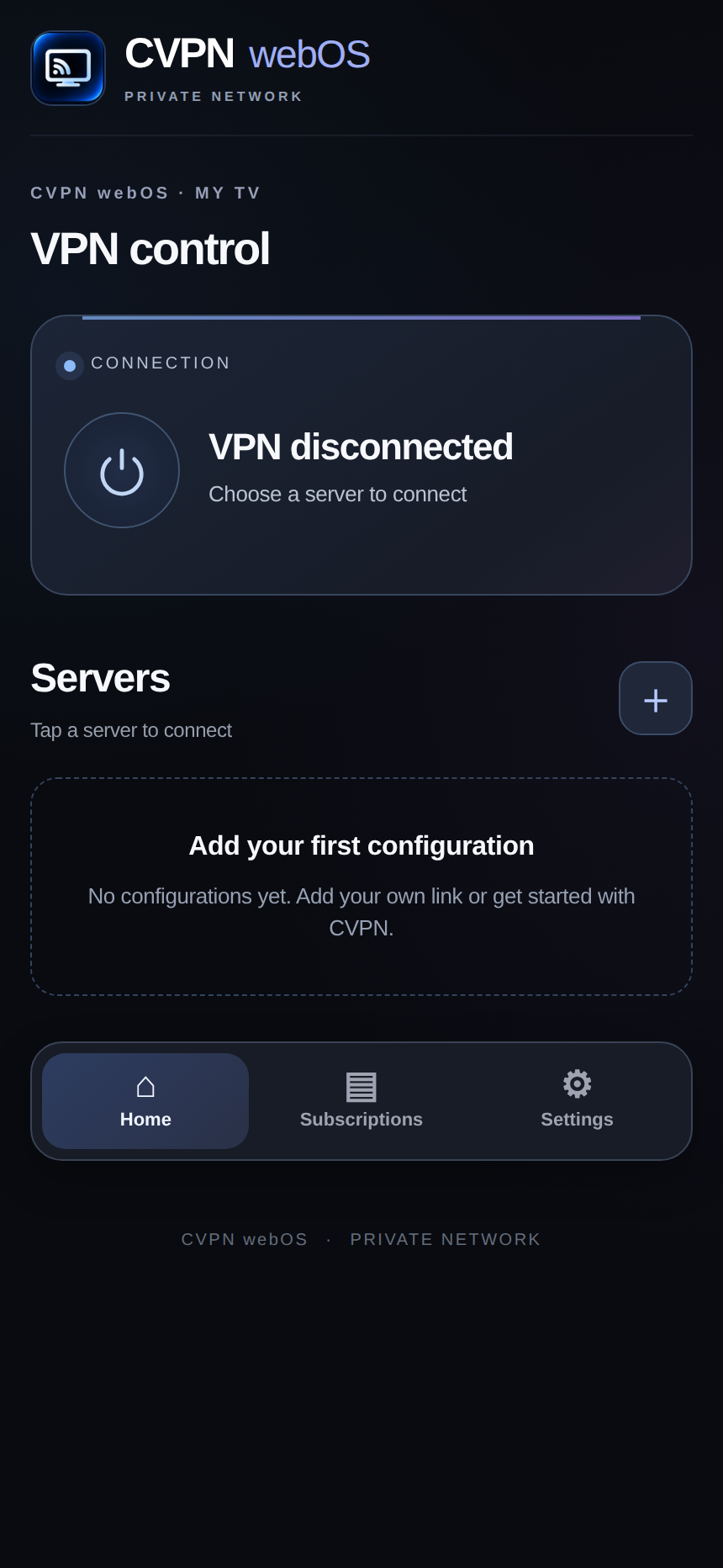
Manage your TV from a phone, right in your browser
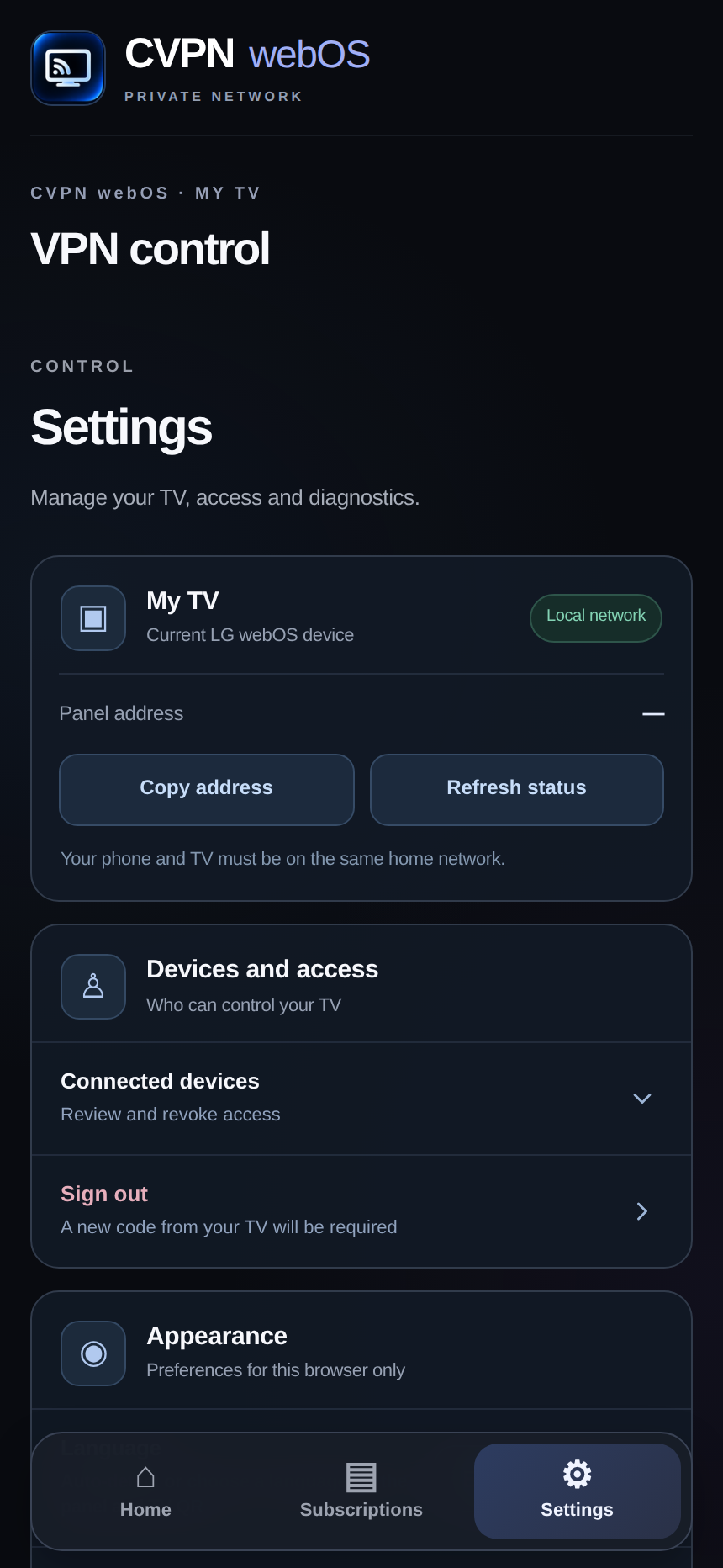
The local CVPN Connect panel lets you import a compatible configuration, select a server, review VPN state and run diagnostics. Your phone and TV must be on the same trusted local network.
Features and limitations
The app is free and works with compatible third-party VPN configurations. It routes IPv4 traffic, does not automatically reconnect on TV startup, and does not provide a universal kill switch.
Troubleshooting
Preparation seems stuck
Verify root, Homebrew, TUN and available storage. Disconnect an active VPN before upgrading.
The pairing QR does not open
Check that both devices are on the same trusted LAN and client isolation is disabled. Never expose the local TCP/8765 panel to the internet.
No servers are listed
Import a compatible subscription or profile. No preconfigured VPN subscription is bundled.
Connected but apps cannot load
Check IPv6, DNS, profile compatibility and the local diagnostics page. See troubleshooting.
Ready for the next step?
Return to all guides or contact support if you need help.